Open the local preview and confirm tracking before enabling control.
Experimental closed beta
Control your desktop with gestures — safely, locally, and only when you choose.
IQPalm turns your webcam into a local gesture controller for moving, clicking, scrolling, pausing, and emergency stop on your desktop.
Local-only processingNo video recordingStarts disabledEmergency stopWindows beta
Control disabledLocal preview
Detected gestureOpen palmResume only from paused state
SafetyEmergency stop visibleNo destructive actions in beta
Index fingerMove cursorReady
PinchClickCooldown
FistPauseImmediate
Palm holdEmergency stopProtected
Beta control
Gesture control starts disabled.
The public portal shows the intended safety model: preview first, manual enable, visible pause, and emergency stop.
CameraLocal preview
ControlManual enable
SafetyEmergency stop
Built for safe experimentation.Gesture control starts disabledUnknown gestures do nothingClick cooldowns reduce accidental repeatsDiagnostics are manual and local-first
How it works
A narrow workflow, not a vague AI promise
IQPalm keeps the first release focused on visible camera preview, explicit enable, reliable cursor actions, pause, and emergency stop.
Hand landmark detection is processed on the tester's machine.
Gesture state and click cooldowns reduce repeated accidental actions.
Only narrow mouse, scroll, pause, resume, and emergency actions are described for beta.
Gesture controlDisabled until enabled by the testerControlled
Camera videoProcessed locally, not recordedControlled
Desktop actionsMouse move, click, scroll, pause, emergency stopControlled
DownloadPortable beta ZIP available; installer pendingLimited
Production readinessNot ready for sensitive workflowsBlocked
Product view
A real desktop utility with visible safeguards
The public portal shows the current beta honestly: a careful Windows desktop utility, not a production automation platform.
Users can start the camera and inspect tracking before desktop control is active.
The beta is presented as local-only and does not ask testers to upload video.
Unsigned beta status, false gesture risk, and unsafe workflows are shown before download.
Gesture map
Accurate controls, not vague feature cards
These are the only public beta gestures described on the portal.
Index finger
ActionMove cursor
StatusEnabled only
Uses smoothing to reduce jitter.
Pinch
ActionLeft click
StatusCooldown protected
Designed to avoid repeated accidental clicks.
Two fingers
ActionScroll
StatusLimited action
Used for controlled scroll behavior.
Fist
ActionPause
StatusImmediate safety
Pauses gesture control without waiting for a click.
Open palm
ActionResume
StatusPaused state only
Resumes after pause, not after emergency stop.
Palm hold
ActionEmergency stop
StatusManual reset
Disables all gesture actions.
Beta reality
Clear limits before anyone asks for the build
The portal should make the risks visible before the download path.
Reliable enough for
Cursor movement tests, click cooldown testing, calibration feedback, camera startup checks.
Not acceptable for
Banking, admin panels, messaging, approvals, file deletion, or production operations.
Tester responsibility
Keep PyAutoGUI failsafe available, learn emergency stop, and test in a low-risk desktop area.
Privacy
Local-first, with precise limits
IQPalm needs camera access to detect your hand, but the beta is designed so video is processed locally and not recorded or uploaded.
| Camera processing | Local only |
|---|---|
| Video recording | No |
| Image saving | No |
| Screenshots saved | No |
| Automatic upload | No |
| Telemetry | No |
| Diagnostics export | Manual only |
| Raw camera frames in diagnostics | No |
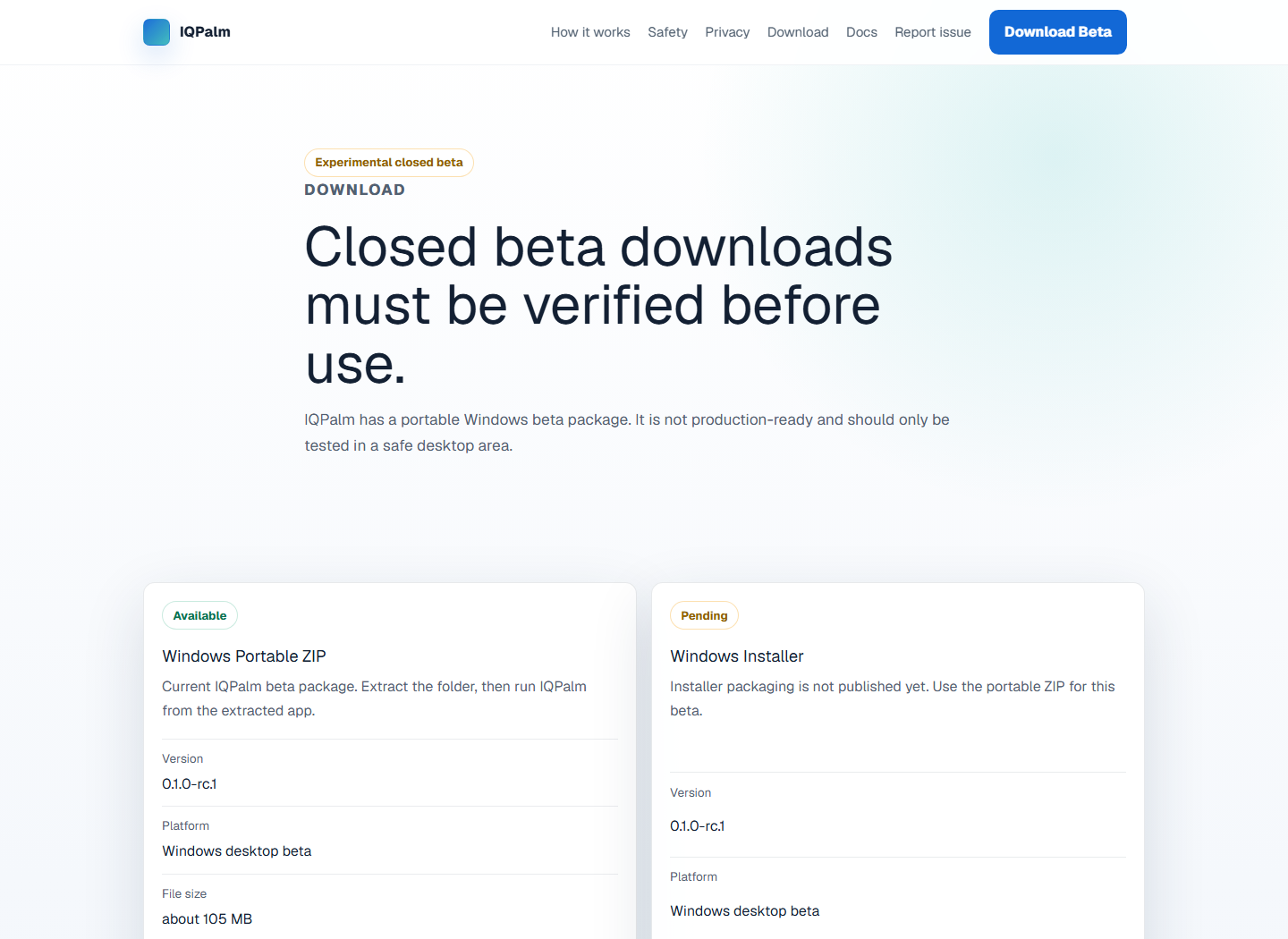
Download
Portable beta available, installer pending
Download the portable Windows beta only after reading the safety limits. The installer is not published yet.
Beta support
Use IQPalm only if you can test safely.
The portable beta is available from the download page. Contact support if camera access, installation, calibration, or false gestures block testing.
Contact: support@atiqsoft.com. Do not send videos, screenshots, or private files unless a sanitized reproduction is specifically requested later.
Beta checklist
Read this before control is enabled
This checklist is informational. It does not auto-enable gesture control.
- I know how emergency stop works
- I am testing in a safe desktop area
- I have calibrated gestures
- I am not using sensitive apps
- I know how to export diagnostics
- I understand false gestures may happen
Known limitations
Not ready for sensitive workflows
These limits should be visible before download, not hidden in release notes.
- Lighting affects accuracy
- Camera angle matters
- Hand distance matters
- False gestures may happen
- Windows-first beta
- Not mobile yet
- Not production-ready
Report issues
Report safety and reliability problems early
Videos and screenshots are not required. Do not share private files or sensitive screen content.
Camera problem
Camera does not open, freezes, or shows permissions errors.
Contact supportFalse gesture
Unexpected click, scroll, pause, or resume behavior.
Contact supportInstall issue
Install, launch, or uninstall problem.
Contact supportDiagnostics issue
Questions about what support information is safe to share.
Contact supportPrivacy concern
Concern about recording, upload, tracking, or sensitive data exposure.
Contact supportGeneral feedback
Usability, copy, calibration, or beta guidance feedback.
Contact supportFAQ
Plain answers before download
Does IQPalm record video?
No. The beta is designed around local processing without recording or uploading camera frames.
Does gesture control start automatically?
No. It starts disabled and must be enabled by the tester.
Is this production-ready?
No. It is experimental closed beta software and false gestures may happen.
Do I need to send videos to report bugs?
No. Avoid uploading private images, videos, or files.