Camera preview
Start the camera and confirm tracking before desktop control is active.
IQPalm lets Windows beta testers move, click, scroll, pause, and stop desktop control with simple hand gestures. Processing stays local and control starts disabled.
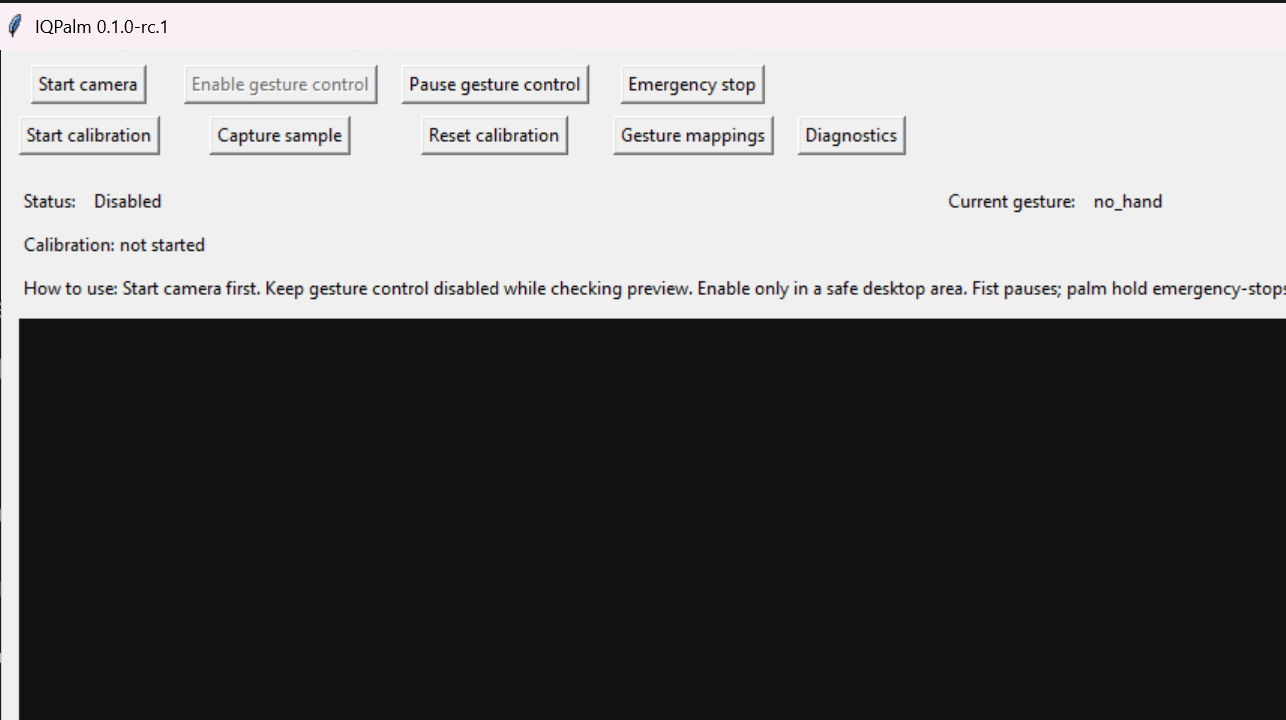
This is a Windows-first test build. The app opens with gesture control disabled and keeps emergency stop visible.
How it works
The MVP is intentionally narrow: preview the camera, enable control manually, use a small set of gestures, and stop immediately if anything feels wrong.
Start the camera and confirm tracking before desktop control is active.
Hand landmarks are processed on the user's machine for local control.
Cursor movement, click cooldowns, pause, and emergency stop stay narrow.
Report camera, calibration, false gesture, and install issues without sharing video.
Download status
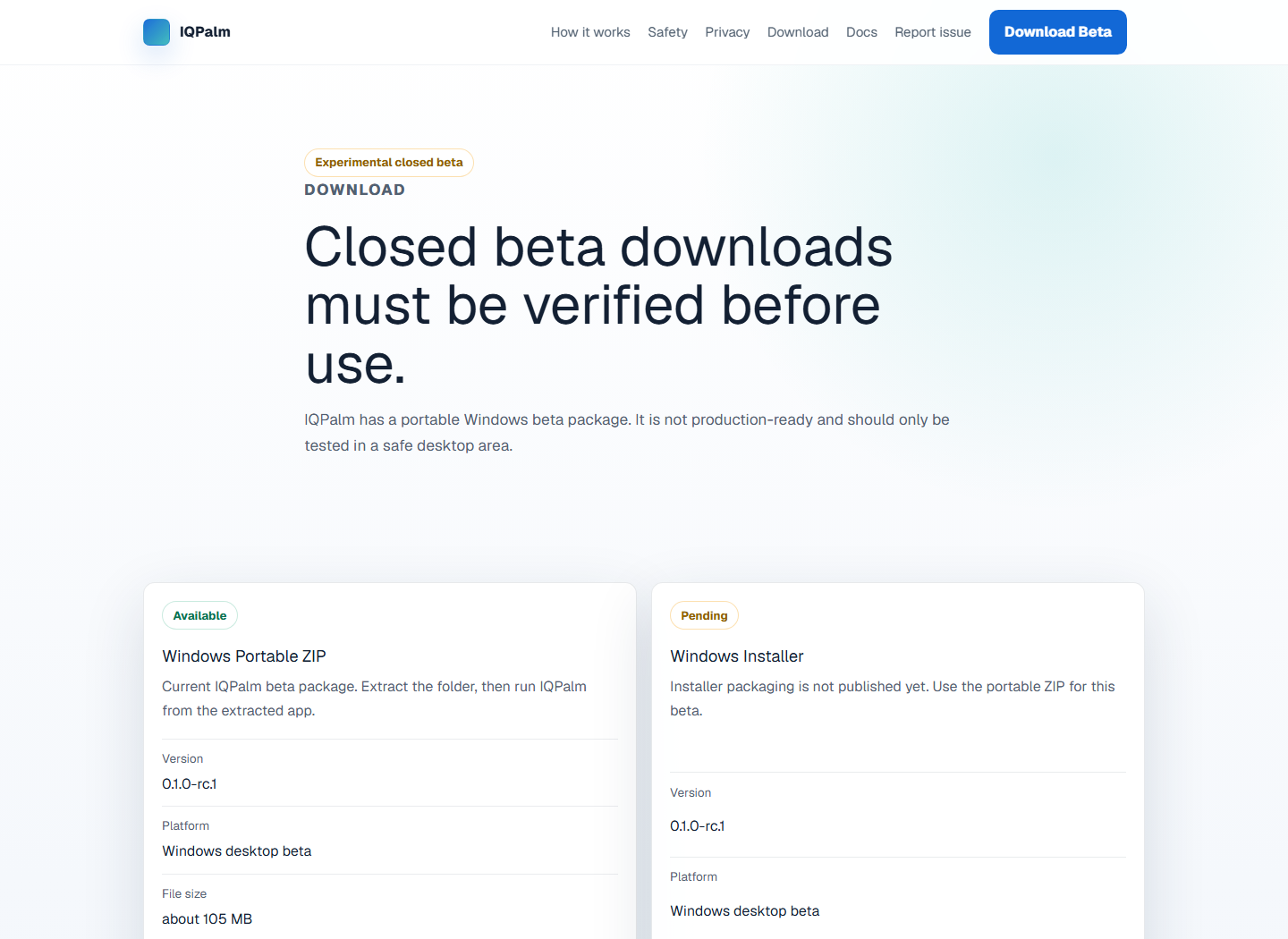
The portal now separates what is available from what is still pending. The portable ZIP is downloadable; the Windows installer is not published yet.
The download path points to the portable beta package, not a placeholder installer.
Unsigned build, beta status, and unsafe workflows are shown before download.
Users can report camera, install, accuracy, or privacy issues from the portal.
Gesture map
These are the only public beta gestures described on the portal.
Uses smoothing to reduce jitter.
Designed to avoid repeated accidental clicks.
Used for controlled scroll behavior.
Pauses gesture control without waiting for a click.
Resumes after pause, not after emergency stop.
Disables all gesture actions.
Beta reality
IQPalm is not presented as production software. The page sets expectations before users download the build.
Cursor movement tests, click cooldown testing, calibration feedback, camera startup checks.
Banking, admin panels, messaging, approvals, file deletion, or production operations.
Keep PyAutoGUI failsafe available, learn emergency stop, and test in a low-risk desktop area.
Privacy
IQPalm needs camera access to detect your hand, but the beta is designed so video is processed locally and not recorded or uploaded.
| Camera processing | Local only |
|---|---|
| Video recording | No |
| Image saving | No |
| Screenshots saved | No |
| Automatic upload | No |
| Telemetry | No |
| Diagnostics export | Manual only |
| Camera images in diagnostics | No |
Download
Download the portable Windows beta only after reading the safety limits. The installer is not published yet.
Beta support
The portable beta is available from the download page. Contact support if camera access, installation, calibration, or false gestures block testing.
Contact: support@atiqsoft.com. Do not send videos, screenshots, or private files unless a sanitized reproduction is specifically requested later.
Beta checklist
This checklist is informational. It does not auto-enable gesture control.
Known limitations
These limits should be visible before download, not hidden in release notes.
Report issues
Videos and screenshots are not required. Do not share private files or sensitive screen content.
Camera does not open, freezes, or shows permissions errors.
Open structured emailNo files are uploaded automatically.
Unexpected click, scroll, pause, or resume behavior.
Open structured emailNo files are uploaded automatically.
Install, launch, or uninstall problem.
Open structured emailNo files are uploaded automatically.
Questions about what support information is safe to share.
Open structured emailNo files are uploaded automatically.
Concern about recording, upload, tracking, or sensitive data exposure.
Open structured emailNo files are uploaded automatically.
Usability, copy, calibration, or beta guidance feedback.
Open structured emailNo files are uploaded automatically.
FAQ
No. The beta is designed around local processing without recording or uploading video.
No. It starts disabled and must be enabled by the tester.
No. It is experimental closed beta software and false gestures may happen.
No. Avoid uploading private images, videos, or files.